
IT Asset Management for Construction Equipment and Project Technologies
Written By: Luke Ross
Construction is one of the most physically demanding industries, but it is also one of the most technology-dependent. From project management platforms and GPS-enabled equipment to mobile devices carried by superintendents and field engineers, modern construction operations rely on a wide array of IT assets. The challenge is that these assets are spread across multiple job sites, exposed to harsh conditions, and shared among teams that are constantly moving.
Without a structured approach to tracking and managing this technology, construction companies risk losing visibility into what they own, where it is, and whether it is still performing as expected. In this post, we will explore why IT asset management matters for the design, build, and maintain industry, and how Central Valley construction firms can implement practical strategies to take control of their technology investments.
Why IT Asset Management Matters in Construction
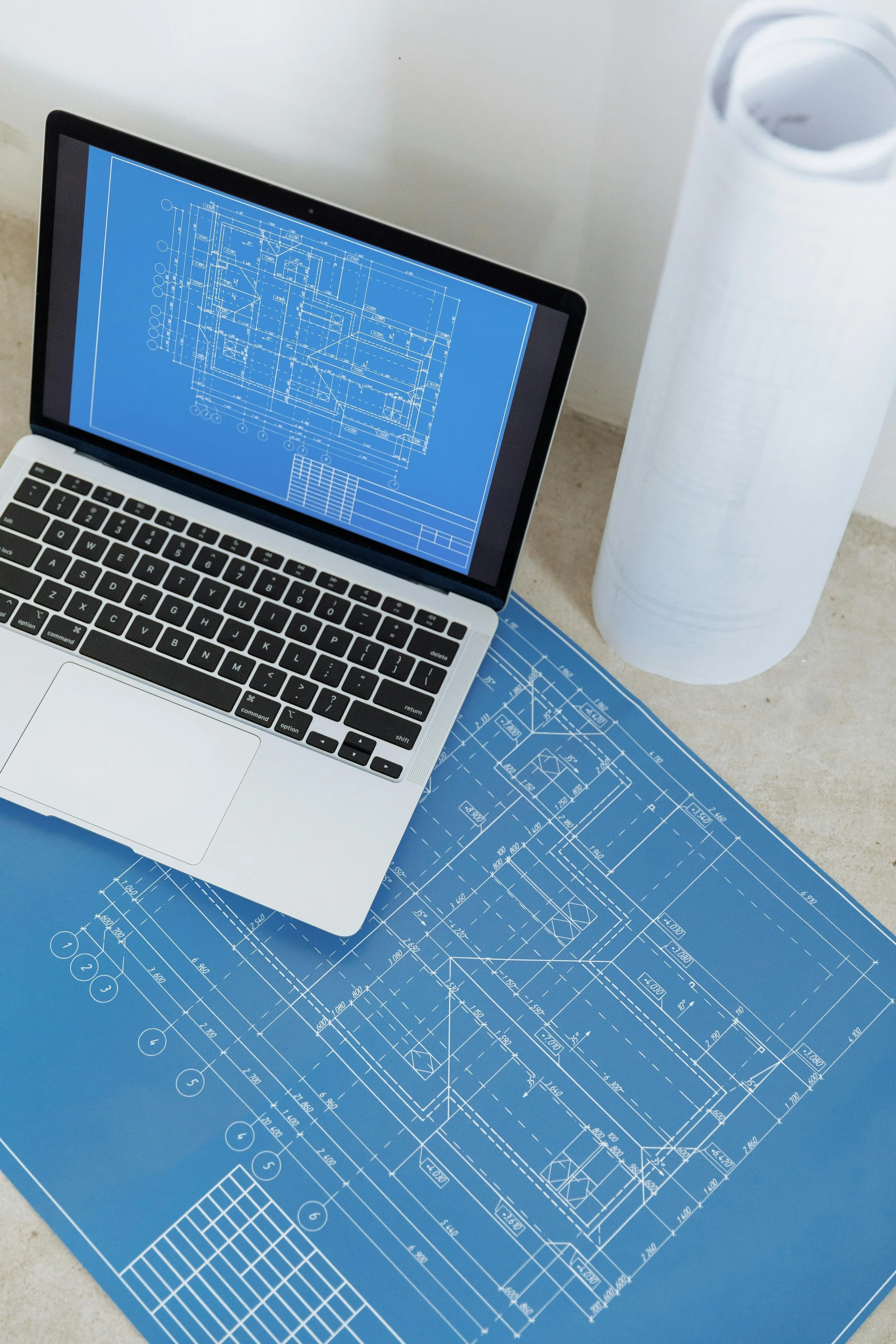
In a typical office environment, IT asset management might involve tracking laptops, monitors, and software licenses within a single building. In construction, the picture is far more complex. Assets are deployed across job sites that may be miles apart, exposed to dust, vibration, rain, and extreme temperatures, and frequently moved between locations as projects progress.
The cost of poor asset management adds up quickly. Lost or unaccounted-for equipment means unnecessary replacement purchases. Outdated software on field devices creates security vulnerabilities. Expired licenses can lead to compliance issues or unexpected disruption when a critical tool stops working. And when a project wraps up, the process of recollecting and redeploying technology can be chaotic if there is no system in place to track what went where.
Beyond the financial implications, asset management directly affects productivity. When a project manager cannot access the right software because a license was not renewed, or when a surveyor's tablet is running outdated firmware that causes crashes in the field, work slows down. In construction, where timelines are tight and delays carry significant financial penalties, lost productivity is not just an inconvenience; it is a liability.
Effective IT asset management gives construction companies a clear, real-time picture of their technology landscape. It answers essential questions: What do we own? Where is it? Is it up to date? Is it secure? And is it still meeting our needs?
Types of IT Assets in Construction Operations
Understanding the scope of IT assets in a construction business is the first step toward managing them effectively. The technology footprint of a modern construction company extends well beyond desktop computers and printers.
Hardware in the Field and Office
Construction firms rely on a mix of ruggedized field devices, office workstations, networking equipment, and specialized hardware. This includes tablets and laptops carried by field engineers and superintendents, GPS units and surveying equipment, mobile hotspots and wireless access points deployed at job sites, servers and networking gear at the main office, and printers, plotters, and scanners used for plan sets and documentation. Each of these assets has a purchase date, a warranty status, a maintenance history, and a useful lifespan. Tracking that information across dozens or hundreds of items requires a deliberate system.
Software and Licensing
Project management platforms, estimating tools, CAD software, accounting systems, and collaboration suites all represent significant investments for construction companies. Many of these tools are subscription-based, which means licenses need to be tracked and renewed on schedule. Understanding who has access to which tools, and whether those licenses are being fully utilized, is an important part of managing technology costs effectively.
Connected and IoT Devices
Increasingly, construction job sites incorporate connected devices that monitor conditions, track equipment, and support safety protocols. Environmental sensors, equipment telematics systems, and connected safety wearables all fall under the IT asset management umbrella. These devices generate data that supports decision-making and compliance, but they also need to be inventoried, maintained, and eventually retired or replaced.
Security Considerations for Construction IT Assets
Construction companies face unique cybersecurity challenges due to the distributed and transient nature of their work. Devices that travel between job sites, connect to varying networks, and are sometimes shared among team members present a larger attack surface than technology that stays within a single controlled environment.
A lost or stolen tablet from a job site can contain sensitive project data, client information, financial records, and access credentials to cloud-based systems. Without proper device management and endpoint security, that single lost device can become a gateway for unauthorized access to the company's broader IT environment.
Mobile devices connecting to unsecured networks at temporary job sites are also vulnerable to interception and malware. Ensuring that field devices use VPN connections and that data is encrypted both in transit and at rest significantly reduces this risk. Remote wipe capabilities allow IT teams to erase sensitive data from a device that has been reported lost or compromised, adding another layer of protection.
Software updates and security patches also require attention. When devices are out in the field for extended periods, they may miss scheduled updates, leaving known vulnerabilities unpatched. A structured asset management process ensures that patching and updates are tracked and enforced, even for devices that are not regularly connected to the main office network.
For construction companies, cybersecurity is not just about protecting data; it is about protecting the continuity of active projects. A ransomware attack that locks out access to project management files or financial systems can halt operations across multiple job sites simultaneously. Having an incident response plan in place, and knowing how to initiate and coordinate the response process with the appropriate specialists, is essential for minimizing the impact of a security event.
Building an Effective IT Asset Management Program
Creating a structured IT asset management program does not require a massive upfront investment, but it does require commitment to process and consistency. The following steps provide a practical framework for construction companies looking to gain control of their technology assets.
Here are five steps to help you build an IT asset management program that fits the realities of construction work:
1. Create a Centralized Asset Inventory
Start by documenting every IT asset your company owns or leases. Include hardware serial numbers, purchase dates, warranty information, assigned users, and current locations. Use a centralized database or asset management platform rather than scattered spreadsheets. This inventory becomes the single source of truth for all asset-related decisions.
2. Implement Lifecycle Tracking
Every IT asset has a lifecycle that includes procurement, deployment, maintenance, and retirement. Define clear policies for each stage. Establish standards for how long devices are expected to remain in service, what maintenance they require during their useful life, and how they should be securely decommissioned when they reach end of life. Tracking this lifecycle prevents the common problem of running outdated, unsupported equipment simply because no one flagged it for replacement.
3. Assign Accountability at Each Level
Asset management breaks down when no one is clearly responsible. Assign accountability for IT assets at the project level, designating a site lead or project engineer as the point person for technology at each job site. This person should be responsible for checking assets in and out, reporting issues, and coordinating with the IT team for support.
4. Integrate Asset Management with Your IT Support Process
Your asset management system should connect directly with your IT support and help desk workflows. When a field user submits a support request, the technician should be able to immediately identify the device model, its configuration, and its maintenance history. This integration dramatically speeds up troubleshooting and ensures that recurring issues with specific devices are identified and addressed.
5. Conduct Regular Audits and Reconciliation
Schedule periodic audits to verify that your asset inventory matches what is actually deployed in the field and office. Construction projects start and end, teams shift, and equipment moves constantly. Without regular reconciliation, your inventory will drift out of alignment with reality. Quarterly audits, timed to coincide with project milestones, are a practical cadence for most construction companies.
Following these steps creates a repeatable, scalable process that grows with your business and keeps your technology investments working for you rather than against you.
How a Managed IT Partner Supports Construction Asset Management
Managing IT assets across a dynamic construction operation is a significant undertaking, and many firms find that partnering with an external IT provider brings expertise and efficiency that would be difficult to replicate internally.
A managed IT partner brings structured processes for procurement, deployment, monitoring, and retirement of assets. They can maintain the centralized inventory, manage software licensing and renewals, enforce security policies across all devices, and provide proactive monitoring that catches issues before they cause downtime.
For Central Valley construction companies managing multiple active projects, this kind of support means less time spent chasing down missing equipment or troubleshooting outdated systems and more time focused on building. The right IT partner understands the pace and demands of construction work, and they structure their services around the reality that your technology is always on the move.
At Kotman Technology, we have been working with Central Valley businesses since 2005, and we understand the unique challenges that come with managing technology in demanding, field-based environments. Our team is here to help you build an asset management approach that keeps your projects running on time and on budget.
Conclusion
IT asset management may not be the most glamorous aspect of running a construction company, but it is one of the most impactful. When you know what technology you have, where it is, and what condition it is in, you can make smarter purchasing decisions, reduce security risks, improve team productivity, and avoid the costly surprises that come with an unmanaged technology environment. Start with a clear inventory, build consistent processes, and consider partnering with a team that can help you stay on top of it all. Reach out to Kotman Technology to start building a stronger IT foundation for your construction operations.
Kotman Technology has been delivering comprehensive technology solutions to clients in California and Michigan for nearly two decades. We pride ourselves on being the last technology partner you'll ever need. Contact us today to experience the Kotman Difference.